


Cloudback MCP Server
Automated backups & disaster recovery for GitHub, GitLab, Azure DevOps & Linear
What is Cloudback Mcp Server?
Cloudback is an all-in-one business protection platform that automates daily backups and instant restores for GitHub, Azure DevOps, GitLab, and Linear workspaces. It secures repositories, metadata, issues, and files with SOC2 compliance, AES encryption, and ransomware protection. Designed for development teams and organizations, Cloudback lets you bring your own storage (AWS, Azure, Google Cloud, OneDrive, Wasabi) and encryption keys for complete data control.
Need help implementing Cloudback MCP Server?
Find verified specialists who work with Cloudback MCP Server
Key Features of Cloudback Mcp Server
- Automatic daily backups and instant restores
- SOC2 compliance and AES encryption
- Ransomware protection with write-once, read-many backups
- Air-gapped backup options
- Bring your own storage (AWS, Azure, Google Cloud, OneDrive, Wasabi)
- RSA Lockbox encryption key management
- Terraform provider for Infrastructure as Code
- Vanta compliance platform support
- Audit logs and immutability
- Per-repository pricing model
Who Should Use Cloudback Mcp Server?
Secure GitHub repositories and metadata
Protect Azure DevOps organizations from data loss
Backup GitLab projects and merge requests
Disaster recovery for Linear workspaces
Ransomware protection for development teams
Compliance and regulatory requirements
Cloudback Mcp Server: Pros & Cons
✓Pros
- Fair pricing based on repositories, not seats
- All features included in every plan
- No data storage by Cloudback—use your own cloud storage
- Exceptional customer support with <4h response time
- >87% first contact resolution rate
- Infrastructure as Code automation with Terraform
- Support for multiple platforms and storage providers
- Wide compliance platform support
Frequently Asked Questions about Cloudback Mcp Server
What platforms does Cloudback support for backups?
Cloudback supports GitHub, GitLab, Azure DevOps, and Linear workspaces.
Can I use my own storage with Cloudback?
Yes, you can bring your own storage from AWS, Azure, Google Cloud, OneDrive, Wasabi, and more.
How often are backups created?
Cloudback creates automatic daily backups, with on-demand backups also available.
What compliance standards does Cloudback meet?
Cloudback is SOC2 compliant and supports Vanta for compliance platform integration.
How is pricing structured?
Cloudback charges per repository, not per seats, with all features included in every plan.
Tool Details
- Pricing
- Free
- Category
- Vscode Ai Ext
- Added
- Jul 2026
More Vscode Ai Ext Tools
2 tools in the same category

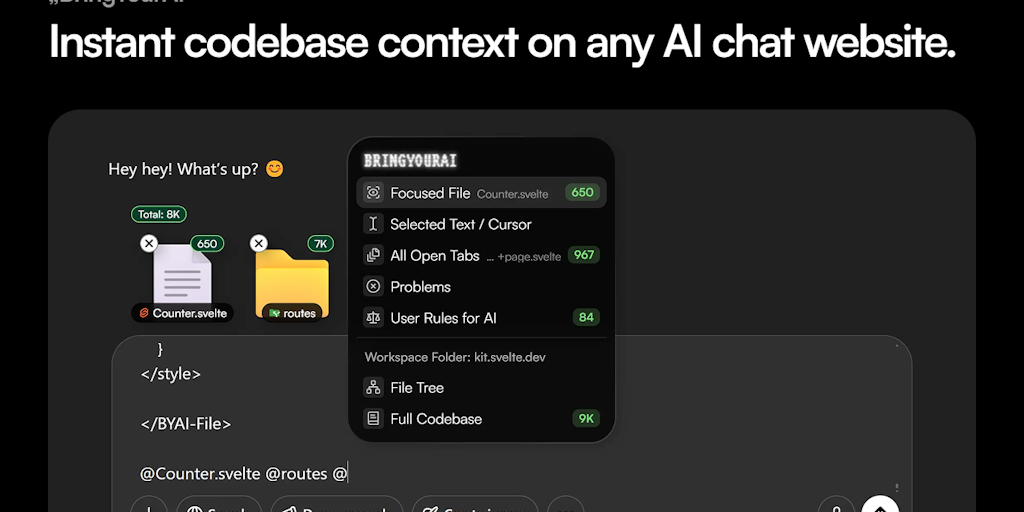
Connect your codebase to any AI chat with one @ symbol
Recently Added AI Tools
New tools added to the directory

Deploy AI workers that take real actions in your systems, 24/7.

Free API to extract Open Graph data from any URL instantly


From the Blog
Latest guides and tips on AI tools
Best AI Tools for Ecommerce in 2026
Best AI Tools for Ecommerce in 2026
Best AI ToolsBest AI Tools for Digital Marketers in 2026
Best AI Tools for Digital Marketers in 2026
Best AI ToolsBest AI Tools for Freelancers in 2026
Best AI Tools for Freelancers in 2026
Best AI ToolsBest AI Tools for Small Business Owners in 2026
Best AI Tools for Small Business Owners in 2026
Best AI ToolsWant to list your AI tool on NextStair?
Submit Tool