


Vox
Talk to your Copilot. Hands-free voice for GitHub Copilot CLI.
What is Vox?
Vox is a voice-enabled extension for GitHub Copilot CLI that lets you interact hands-free using speech. Speak your requests directly into the reactive orb interface, and Vox streams audio to Copilot, synthesizes the reply, and reads it aloud. It works across Windows, macOS, and Linux as a standalone app window with no build process—pure JavaScript with Web Speech API.
Need help implementing Vox?
Find verified specialists who work with Vox
Key Features of Vox
- Voice input streaming to Copilot CLI
- Text-to-speech reply synthesis
- Reactive listening orb with state indicators
- Hands-free microphone streaming
- Interrupt and barge-in capability
- Transcript panel with conversation history
- Multi-session support with auto-switching
- Typed reply audio synthesis
- Standalone app window (Windows, macOS, Linux)
- One-line bash installation
- MIT licensed
- No telemetry
- Pure JavaScript, no build required
Who Should Use Vox?
Hands-free coding with GitHub Copilot
Voice-driven development workflows
Accessible interaction for developers with mobility constraints
Real-time pair programming discussions
Audio-first learning while coding
Vox: Pros & Cons
✓Pros
- Truly hands-free interaction with visual state feedback
- No external dependencies beyond Node.js and git
- Works across all major operating systems
- One-line installation process
- No telemetry or data collection
- Standalone window avoids tab clutter
- Ability to interrupt agent and resume listening
- Full transcript history available on demand
✕Cons
- Requires Node.js and git on PATH
- Dependency on Web Speech API browser support
- Requires GitHub Copilot CLI to be installed
Frequently Asked Questions about Vox
What do I need to install Vox?
You need Node.js and git on your PATH. The one-line bash/PowerShell command clones the repo and copies the extension to ~/.copilot/extensions/vox.
Does Vox work on Windows?
Yes, Vox runs on Windows, macOS, and Linux as a standalone app window.
Can I type responses instead of speaking?
Yes, you can type in the CLI and Vox will still read the assistant's reply aloud in the panel.
How do I stop Vox from speaking?
You can press Esc, tap the orb, or hit the Interrupt button to barge in and drop back to listening.
Does Vox collect my data?
No, Vox has no telemetry and does not collect your data.
Tool Details
- Pricing
- Free
- Category
- Vscode Ai Ext
- Added
- Jul 2026
More Vscode Ai Ext Tools
2 tools in the same category

Automated backups & disaster recovery for GitHub, GitLab, Azure DevOps & Linear
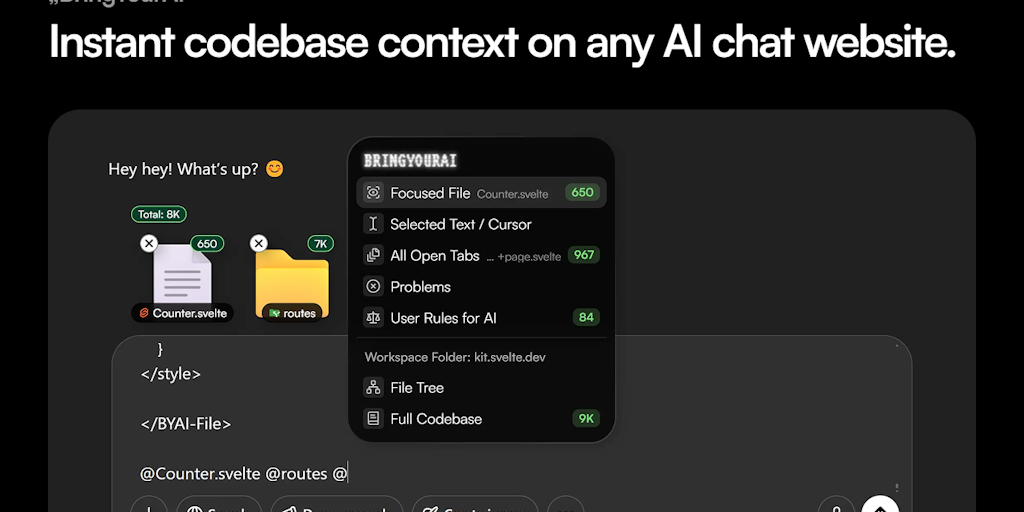
Connect your codebase to any AI chat with one @ symbol
Recently Added AI Tools
New tools added to the directory

Deploy AI workers that take real actions in your systems, 24/7.

Free API to extract Open Graph data from any URL instantly


From the Blog
Latest guides and tips on AI tools
Best AI Tools for Ecommerce in 2026
Best AI Tools for Ecommerce in 2026
Best AI ToolsBest AI Tools for Digital Marketers in 2026
Best AI Tools for Digital Marketers in 2026
Best AI ToolsBest AI Tools for Freelancers in 2026
Best AI Tools for Freelancers in 2026
Best AI ToolsBest AI Tools for Small Business Owners in 2026
Best AI Tools for Small Business Owners in 2026
Best AI ToolsWant to list your AI tool on NextStair?
Submit Tool