

Best AI Extensions 2026
Find the best AI coding extensions for VS Code - adding code completion, natural language editing, inline chat, error explanation, documentation generation, and test writing capabilities directly in the editor. These extensions represent the most practical way most developers integrate AI into their daily workflow. Compare model quality, context window size, free tier limits, privacy options, and language support.

.svg)

Talk to your Copilot. Hands-free voice for GitHub Copilot CLI.
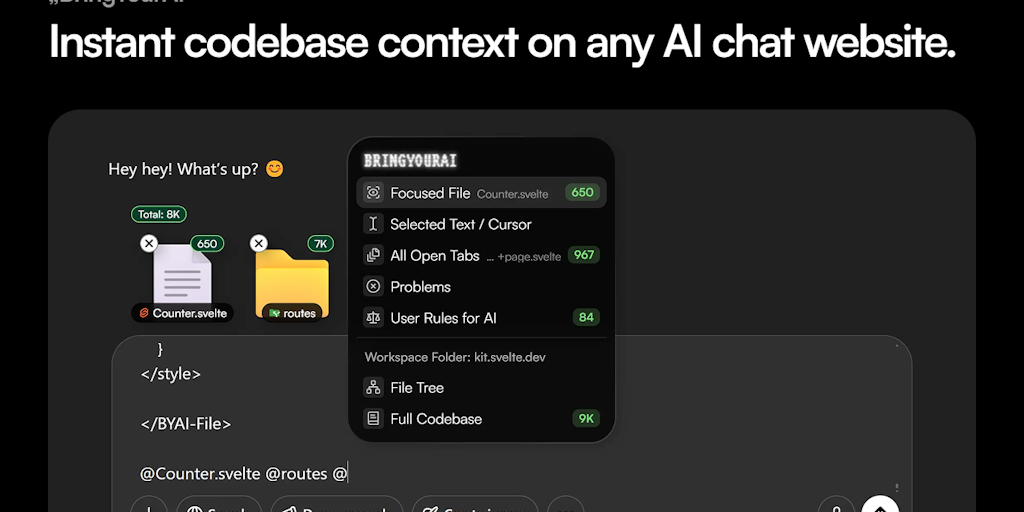
Connect your codebase to any AI chat with one @ symbol

Automated backups & disaster recovery for GitHub, GitLab, Azure DevOps & Linear
AI extensions bring code completion, chat, and assistance directly into VS Code, meeting developers where they already work. As the most popular editor, VS Code hosts a competitive field of AI extensions that turn it into an AI-powered coding environment without switching tools.
What AI VS Code extensions add
They provide inline code completion, in-editor chat, explanation, and refactoring, aware of your open files, so you get AI help without copying code to a separate window. Competition keeps quality improving.
AI extensions and coding tools
These extensions deliver the assistants covered in the AI code assistants for VS Code category, and fit among the broader productivity extensions.