


FontMaker - Turn Handwriting into Custom Fonts
Create custom fonts from sketches—free, in your browser, no signup needed.
What is Fontmaker?
FontMaker is a free, browser-based font creation tool that lets you design custom fonts by importing SVG shapes or scans of your handwriting. The tool automatically maps shapes to characters, then you fine-tune spacing, baseline, and sizing with live preview before exporting as TTF or OTF files. Perfect for designers, typographers, and anyone wanting to create personalized fonts without software installation or account setup.
Need help implementing FontMaker - Turn Handwriting into Custom Fonts?
Find verified specialists who work with FontMaker - Turn Handwriting into Custom Fonts
Key Features of Fontmaker
- SVG to font conversion with automatic tracing
- Handwriting font creation from scans
- Live preview rendering
- Glyph spacing and baseline adjustment
- TTF and OTF export formats
- Browser-based—no software installation required
- No file uploads or server storage
Who Should Use Fontmaker?
Design personalized handwriting fonts
Convert vector shapes into custom typefaces
Create branded fonts for design projects
Build display fonts for creative work
Develop fonts for personal or commercial use
Fontmaker: Pros & Cons
✓Pros
- Completely free with no account required
- No watermarks or usage limits
- No software installation needed
- Full local processing—files never uploaded
- Live preview of glyphs as you adjust them
- Supports both TTF and OTF export formats
- Works on any device with a web browser
Frequently Asked Questions about Fontmaker
Is FontMaker free?
Yes, completely. No account, no watermark, no limits. Create and export as many fonts as you like.
Can I turn my handwriting into a font?
Yes, you can scan your handwriting and make it a font you can actually type with.
What formats can I export?
You can export fonts as TTF or OTF formats, ready to install and use anywhere.
Do I need to install any software?
No, FontMaker runs entirely in your browser—no installation required.
Tool Details
- Company
- FontMaker
- Pricing
- Free
- Languages
- English, French, Spanish, Portuguese, Italian, German, Russian
- Category
- Ai Fonts
- Added
- Jul 2026
- Last Updated
- Jul 2026
More Ai Fonts Tools
7 tools in the same category

Generate stunning AI fonts, signatures & logos in seconds - free, no design skills needed

Manage 6,000+ fonts with one click. Works with Photoshop, Illustrator & more.

Transform your text into 50+ stunning fonts in real-time

Find and pair the perfect fonts for your project instantly.
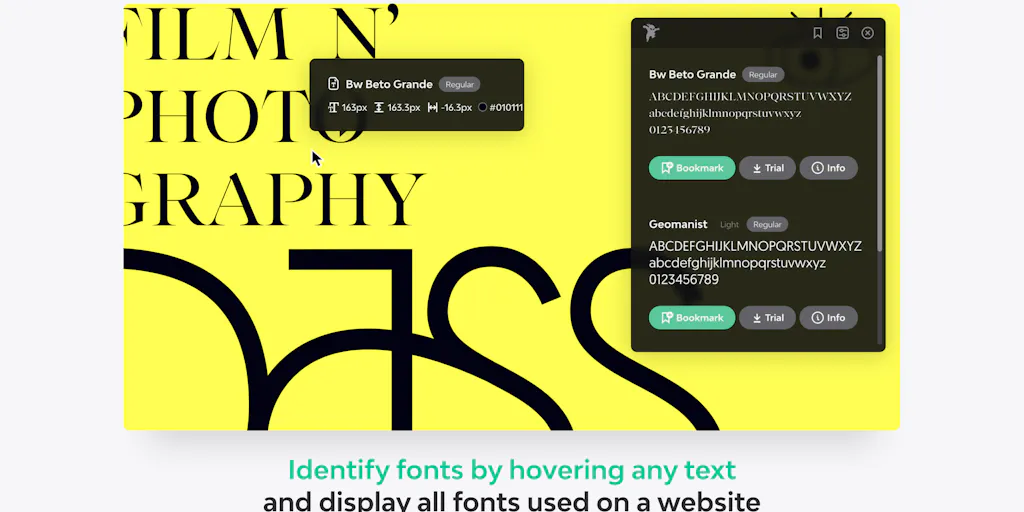
Identify any font on the web in seconds
A monospace font that makes code readable and beautiful
Turn your handwriting into a real font in under a minute
Recently Added AI Tools
New tools added to the directory

AI-powered legal research platform with 500K+ official Mexican documents

Track your mood, journal your thoughts, heal your mind with AI insights.

City-scale AR positioning with centimeter-level precision

From the Blog
Latest guides and tips on AI tools
Best AI Tools for Ecommerce in 2026
Best AI Tools for Ecommerce in 2026
Best AI ToolsBest AI Tools for Digital Marketers in 2026
Best AI Tools for Digital Marketers in 2026
Best AI ToolsBest AI Tools for Freelancers in 2026
Best AI Tools for Freelancers in 2026
Best AI ToolsBest AI Tools for Small Business Owners in 2026
Best AI Tools for Small Business Owners in 2026
Best AI ToolsWant to list your AI tool on NextStair?
Submit Tool