


Pair & Compare - Test Fonts Against Your Text
Find and pair the perfect fonts for your project instantly.
What is Pair Compare?
Pair & Compare is a font discovery and pairing tool that lets designers and creatives explore Google Fonts and beyond without friction. It enables users to test entire font libraries against their own text, create harmonious font pairings, and compare options side-by-side with full control over styling parameters like size, line height, background, and text width. Built for designers, developers, and anyone seeking the perfect typeface combination for their next project.
Need help implementing Pair & Compare - Test Fonts Against Your Text?
Find verified specialists who work with Pair & Compare - Test Fonts Against Your Text
Key Features of Pair Compare
- Access to Google Fonts and additional typefaces
- Real-time font preview on your own text
- Side-by-side font comparison
- Font pairing suggestions
- Customizable background colors
- Adjustable font size and line height
- Control over text width
- Instant visual feedback
Who Should Use Pair Compare?
Find ideal font pairings for web design projects
Compare typeface options for branding work
Test fonts against actual content before committing
Explore Google Fonts library quickly
Create cohesive typography systems for design
Make typography decisions for marketing materials
Pair Compare: Pros & Cons
✓Pros
- No hassle—test fonts directly on your text
- Compare multiple font pairings on one page
- Extensive font library access
- Full control over styling parameters
- Smooth and easy-to-use interface
- No signup or installation required
Frequently Asked Questions about Pair Compare
What fonts does Pair & Compare support?
The tool provides access to Google Fonts and more, allowing you to explore a comprehensive library of typefaces.
Can I test fonts on my own text?
Yes, you can try all available fonts on your own text without any hassle by clicking on title or paragraph sections.
What customization options are available?
You can control background color, text width, font size, line height, and many other styling settings.
Is Pair & Compare free to use?
Yes, the tool is free and requires no signup or installation.
Tool Details
- Pricing
- Free
- Category
- Ai Fonts
- Added
- Jul 2026
- Last Updated
- Jul 2026
More Ai Fonts Tools
7 tools in the same category

Generate stunning AI fonts, signatures & logos in seconds - free, no design skills needed

Create custom fonts from sketches—free, in your browser, no signup needed.

Manage 6,000+ fonts with one click. Works with Photoshop, Illustrator & more.

Transform your text into 50+ stunning fonts in real-time
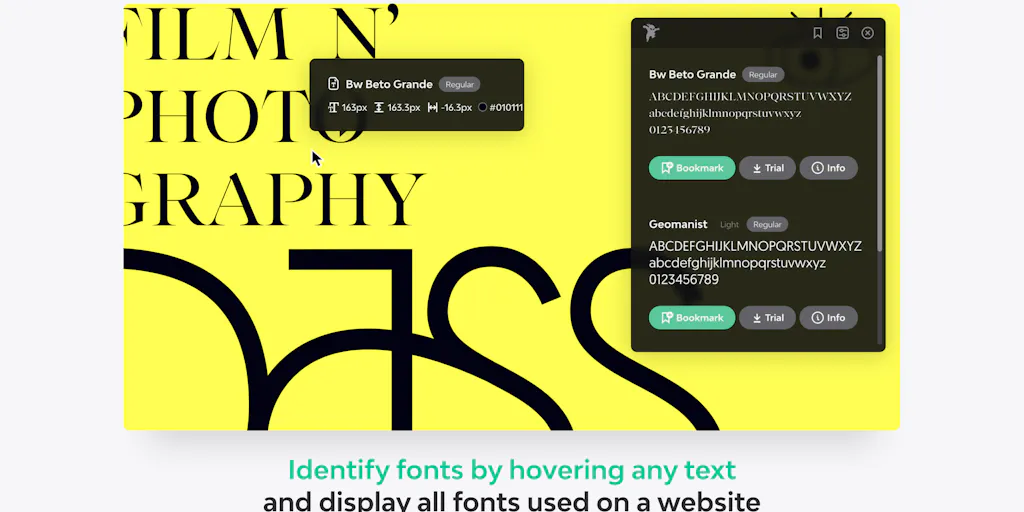
Identify any font on the web in seconds
A monospace font that makes code readable and beautiful
Turn your handwriting into a real font in under a minute
Recently Added AI Tools
New tools added to the directory

AI-powered legal research platform with 500K+ official Mexican documents

Track your mood, journal your thoughts, heal your mind with AI insights.

City-scale AR positioning with centimeter-level precision

From the Blog
Latest guides and tips on AI tools
Best AI Tools for Ecommerce in 2026
Best AI Tools for Ecommerce in 2026
Best AI ToolsBest AI Tools for Digital Marketers in 2026
Best AI Tools for Digital Marketers in 2026
Best AI ToolsBest AI Tools for Freelancers in 2026
Best AI Tools for Freelancers in 2026
Best AI ToolsBest AI Tools for Small Business Owners in 2026
Best AI Tools for Small Business Owners in 2026
Best AI ToolsWant to list your AI tool on NextStair?
Submit Tool