


Sidenote - AI Answers with Document Citations
AI answers with citations - verify every claim against your documents
Add your screenshot here
Image or video shown in this spot
What is Sidenote?
Sidenote is an AI summarizer and document chat extension that adds citations to every answer, ensuring claims can be verified against source material. It works on PDFs, web pages, Confluence, Notion, and other documents directly in your browser by extracting, chunking, and embedding content for instant semantic search. Built for teams and individuals who need reliable answers grounded in actual document content without hallucination.
Need help implementing Sidenote - AI Answers with Document Citations?
Find verified specialists who work with Sidenote - AI Answers with Document Citations
Key Features of Sidenote
- Citations linked to exact source passages
- Semantic search within documents
- Document chat and Q&A
- Auto-summarization
- Glossary generation
- Highlights and notes with persistence
- Multiple export formats (Markdown, HTML, PDF)
- Tab-based tagging and starring
- Keyboard shortcut (Ctrl/Cmd+Shift+S)
- Per-site pause toggle
Who Should Use Sidenote?
Summarize long Confluence runbooks and documentation
Chat with PDFs and research papers
Search Notion wikis by meaning
Extract key points from articles and blog posts
Build glossaries from technical documents
Review compliance and security documents with citations
Sidenote: Pros & Cons
✓Pros
- Every answer cites exact source with scrollable verification
- No hallucination - only claims supported by document content
- Works on multiple platforms (Confluence, Notion, PDFs, web pages)
- Free plan available with no card required
- Caching means re-opening cached documents is free
- Two data retention modes (Store or Discard)
- Embeddings isolated per user in UK region with row-level security
- Keyboard shortcut for quick access
- Export in multiple formats
✕Cons
- Edge and Opera support coming soon (currently Chrome and Firefox only)
- Requires browser extension installation
Frequently Asked Questions about Sidenote
What documents does Sidenote work with?
Sidenote works with Confluence pages, Notion docs, PDFs, arXiv papers, Substack articles, and any web page or document you can open in your browser.
How long does Sidenote keep my documents?
You can choose between two retention modes: Store keeps the document indexed for the lifetime of your account, or Discard purges everything within 24 hours of upload.
Where are my embeddings stored?
All embeddings live in Supabase pgvector in the UK (eu-west-2) region, partitioned and isolated per user with row-level security policies enforcing per-account isolation.
Is there a free plan?
Yes, Sidenote offers a free plan forever with no card required, plus a 7-day Pro trial to try premium features.
Tool Details
- Pricing
- Free
- Category
- Productivity Chrome Ext
- Added
- Jul 2026
- Last Updated
- Jul 2026
More Productivity Chrome Ext Tools
7 tools in the same category

Save websites visually. Find inspiration instantly.

Auto-organize tabs, find anything instantly, sleep idle tabs to speed up your browser
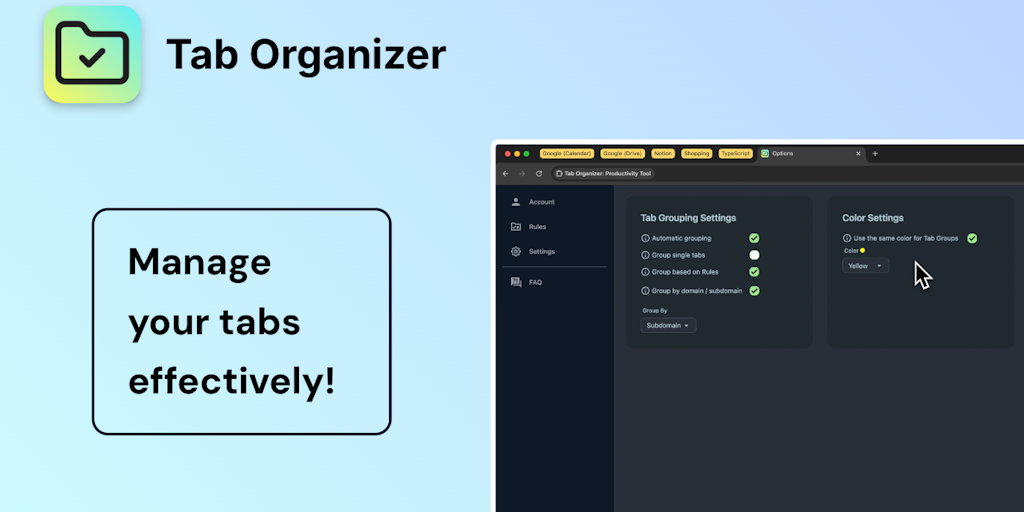
Transform tab chaos into organized bliss with smart grouping

AI bookmark manager that finds anything instantly - no folders, no friction.

Save, organize, and restore tab sessions with privacy-first tab management.

Ambient focus workspace with AI agents, music, and Pomodoro for deeper work.
Auto-populate your bookmarks bar with your most-visited sites daily
Recently Added AI Tools
New tools added to the directory



Share PDFs securely - no account, no trace, automatic expiration.

Batch download & auto-organize TikTok, Instagram, YouTube videos in one command
From the Blog
Latest guides and tips on AI tools
Free Logo Maker Apps in 2026
Free Logo Maker Apps in 2026
AI Image GenerationBest AI Tools for Ecommerce in 2026
Best AI Tools for Ecommerce in 2026
Best AI ToolsBest AI Tools for Digital Marketers in 2026
Best AI Tools for Digital Marketers in 2026
Best AI ToolsBest AI Tools for Freelancers in 2026
Best AI Tools for Freelancers in 2026
Best AI ToolsWant to list your AI tool on NextStair?
Submit Tool