


Tab Manager - Organize Tabs Like Finder Files
Organize Chrome tabs like files in Finder
Add your screenshot here
Image or video shown in this spot
What is Tab Manager?
Tab Manager is a Chrome extension that organizes your browser tabs like files in macOS Finder. Search, rename, drag, and group tabs and windows with keyboard shortcuts. It keeps all data on your device with no tracking or data collection.
Need help implementing Tab Manager - Organize Tabs Like Finder Files?
Find verified specialists who work with Tab Manager - Organize Tabs Like Finder Files
Key Features of Tab Manager
- Fast tab search with ⌘+F
- Drag tabs between windows
- Name and group windows like folders
- Cut, copy, and paste tabs
- Unload idle tabs to save memory
- Keyboard-first design
- Light and dark theme support
- Local data storage with no tracking
Who Should Use Tab Manager?
Organize research and work tabs separately
Manage heavy browser sessions with tab unloading
Quickly find tabs by title or URL
Consolidate tabs into organized windows
Streamline workflow with keyboard shortcuts
Tab Manager: Pros & Cons
✓Pros
- Intuitive file-manager-like interface
- All data stays on device with no collection
- Full keyboard control for power users
- Memory optimization through tab unloading
- Automatic theme adaptation
- Drag-and-drop simplicity
Frequently Asked Questions about Tab Manager
Is my browsing data safe with Tab Manager?
Yes. Tab Manager only reads tab titles and URLs to display and organize them. It does not collect your browsing data or send it anywhere - everything stays on your device.
What keyboard shortcut opens Tab Manager?
Press ⌘+E (on Mac) or Ctrl+E (on Windows) to toggle Tab Manager.
Can I search tabs quickly?
Yes. Press ⌘+F (or Ctrl+F) and type to search. The list narrows as you type so you don't have to hunt through identical favicons.
Does Tab Manager work with dark mode?
Yes. Tab Manager adapts to your light or dark theme automatically.
Tool Details
- Pricing
- Free
- Category
- Productivity Chrome Ext
- Added
- Jul 2026
- Last Updated
- Jul 2026
More Productivity Chrome Ext Tools
7 tools in the same category

Save websites visually. Find inspiration instantly.

Auto-organize tabs, find anything instantly, sleep idle tabs to speed up your browser
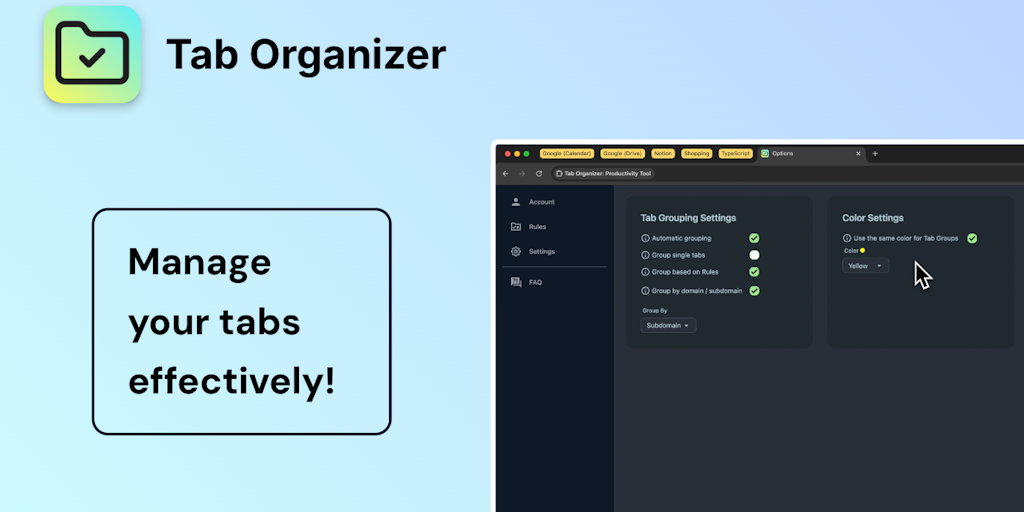
Transform tab chaos into organized bliss with smart grouping

AI bookmark manager that finds anything instantly - no folders, no friction.

Save, organize, and restore tab sessions with privacy-first tab management.

Ambient focus workspace with AI agents, music, and Pomodoro for deeper work.

Auto-populate your bookmarks bar with your most-visited sites daily
Recently Added AI Tools
New tools added to the directory



Share PDFs securely - no account, no trace, automatic expiration.

Batch download & auto-organize TikTok, Instagram, YouTube videos in one command
From the Blog
Latest guides and tips on AI tools
Free Logo Maker Apps in 2026
Free Logo Maker Apps in 2026
AI Image GenerationBest AI Tools for Ecommerce in 2026
Best AI Tools for Ecommerce in 2026
Best AI ToolsBest AI Tools for Digital Marketers in 2026
Best AI Tools for Digital Marketers in 2026
Best AI ToolsBest AI Tools for Freelancers in 2026
Best AI Tools for Freelancers in 2026
Best AI ToolsWant to list your AI tool on NextStair?
Submit Tool