

Best Development Tools Tools 2026
Browse the best software development tools for code editors, version control, CI/CD pipelines, containerization, API testing, and developer productivity. From foundational infrastructure tools used by every engineering team to specialized developer experience platforms - this category covers the tools that power modern software development workflows. Find the tools your stack is missing and see what high-performing engineering teams are using.
.svg)

Sell global luxury fashion via API with AI-powered discovery

Control cloud costs before they hit the bill

Cloud platform built exclusively for AI agents to compute, scale, and collaborate
European sovereign AI compute, from grid to token in 94 seconds

The React Native IDE that finally makes development enjoyable

AI assistant that learns your taste and compounds your context

Local AI agent workstation with tmux sessions, code context, and secure automation.

Control your AI coding agent from your iPhone - real terminal, real diffs, your machine.

Version-aware code context layer to end agent retry loops

AI-powered document editing that stays under human control
Lock down coding exams with zero distractions.
All-in-one AI editor for images, videos, and audio creation
AI-powered LaTeX editor for researchers - write 10x faster, no installation needed
Safe AI agent execution with sandboxing and governance.

Database-driven Kubernetes infrastructure automation

AI-powered open-source Kubernetes dashboard for multi-cluster management
Production app workspace from one prompt - frontend, backend, K8s, and repos included.
AI-powered cloud infrastructure review revealing cost, security & architecture gaps instantly

Open-source K8s deployment visibility with Slack notifications
Deploy Docker apps in 5 minutes. No Kubernetes. No DevOps degree required.

Powerful cross-platform database management for SQL & NoSQL workflows

The 11 MB database manager that leaves Electron in the dust

WordPress-like editor for your Supabase database - no schema lock-in.

One app for all your PostgreSQL databases. No cloud, no clutter.
Native macOS MongoDB client built for speed and local control
Query your files with SQL - right inside VS Code, no setup required.
Query PostgreSQL in plain English from your terminal

HTTPS edge proxy for AI agents and serverless to reach Redis, Postgres & databases

AI Database Engineer: Generate SQL 10X faster, boost queries 100X, maintain 99.9% uptime
Type-safe ORM and full-stack TypeScript infrastructure for modern applications
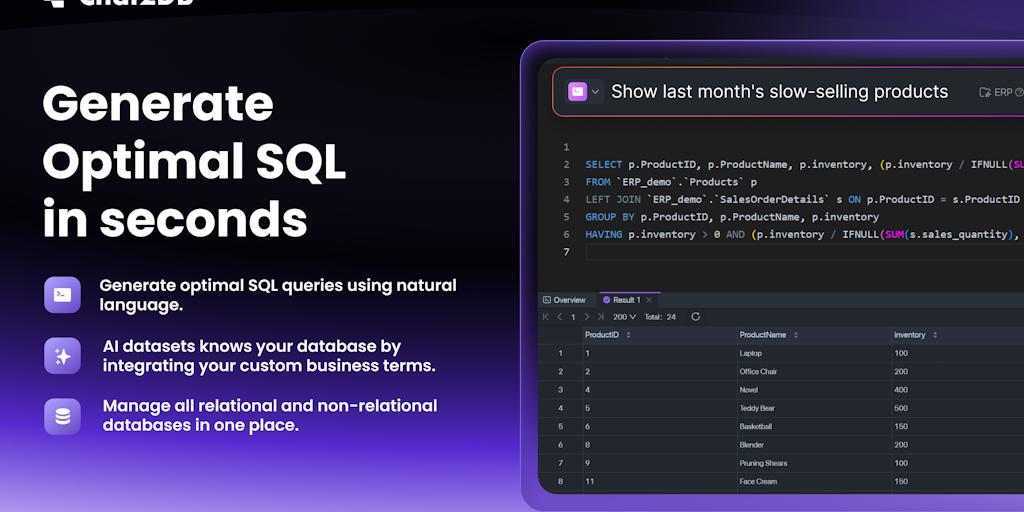
AI SQL client for all databases - local, fast, and open source.
Design database schemas offline, sync with your team, connect live databases

Scale Postgres n times with zero app changes
Database interaction tool built for developers using TypeScript

Query all your cloud databases in plain English - no SQL required

Build production-ready data models in minutes, not months.

Open-source AI presentation generator with full control, no lock-in

One API key to access all AI models, APIs, and services globally.
Open-source Firebase alternative with Postgres, Auth, and Real-time APIs
Route, debug, and analyze AI apps with the fastest observability platform.

Billing platform that turns AI usage into revenue automatically
Build AI voice agents in 4 steps, no coding required

AI-powered omnichannel support desk for seamless customer conversations

Fast, private, open-source swipe typing for Android keyboards

Open-source policy enforcement layer that blocks LLM risks before they happen

Run any LLM locally, fully offline, zero cost.

Your AI. Your Mac. Free. No servers, no telemetry, no subscription.
Instant RAG API - bring your data to any LLM in minutes

Generate and edit images with text and image prompts combined.
Run private AI on your Mac - faster than LM Studio, fully open source.
Writing code is a small part of shipping software. The rest is version control, testing, building, deploying, and keeping the whole thing running, and each of those has its own layer of tooling. A team's real velocity is decided less by how fast anyone types and more by how little friction sits between a commit and it running in production. That gap is what the tools here close.
Where code lives and gets written
The daily surface is the editor. Code editors and IDEs like VS Code and the JetBrains suite are where developers spend their hours, and version control is the shared memory that lets a team work on the same code without overwriting each other. These two are non-negotiable on any project past a single file.
From commit to production
Getting code out the door is its own discipline. CI/CD tools run the tests and deploy automatically when code merges, containerization makes an app behave the same on every machine, and cloud platforms and serverless hosts run it in production. API testing and database tools round out the stack.
The tools should disappear
A healthy setup is one nobody thinks about. When CI is reliable and deploys are boring, attention goes to the product instead of the plumbing, which is the entire point of investing in this layer. Add tools that remove a recurring pain, not ones that add a dashboard to check. AI has moved into this space too, and the AI coding category covers the assistants that now sit inside the editor.