


DemoStudio
Create polished product demos in your browser, free.
What is Demostudio?
DemoStudio is a browser-based screen recording editor that lets you create polished product demos with zoom highlights, custom styling, and branded backgrounds. It features AI-powered background generation, professional borders and shadows, and flexible export options for any platform or aspect ratio. Designed for designers, creators, and product teams who want to showcase features with precision and brand consistency.
Need help implementing DemoStudio?
Find verified specialists who work with DemoStudio
Key Features of Demostudio
- Zoom keyframes with scale and position control
- Customizable borders and shadows
- Custom branded backgrounds
- AI-powered background generation via OpenRouter API
- Multiple aspect ratio export options
- Smooth easing controls
- Corner radius customization
- Gradient background support
Who Should Use Demostudio?
Create product feature demos for presentations
Build marketing demo videos for websites
Highlight key UI elements in tutorials
Generate branded demo content for social media
Showcase product updates for teams
Demostudio: Pros & Cons
✓Pros
- Free to use and browser-based—no installation required
- AI background generation for unique, custom visuals
- Flexible export to any aspect ratio for cross-platform use
- Local API key storage—keys never shared
- Production-ready styling with minimal effort
Frequently Asked Questions about Demostudio
What is DemoStudio?
DemoStudio is a browser-based screen recording editor that helps you create polished product demos with professional styling, zoom highlights, and custom backgrounds.
Is DemoStudio free?
Yes, DemoStudio is free to use. You can get started directly in your browser with no installation required.
How does the AI background generation work?
You can describe the background you want, and DemoStudio will generate it using OpenRouter API. You provide your own API key, which is stored locally and never shared.
What aspect ratios can I export to?
DemoStudio allows you to export to any aspect ratio, including square posts for social media and widescreen formats for presentations.
What styling options are available?
You can add zoom keyframes for highlighting, customize borders and shadows, adjust corner radius, use solid colors or gradients for backgrounds, and control smooth easing effects.
Tool Details
- Company
- Bao To
- Pricing
- Free
- Category
- Screen Recorders
- Added
- Jul 2026
More Screen Recorders Tools
7 tools in the same category

Turn boring screenshots into professional graphics in seconds

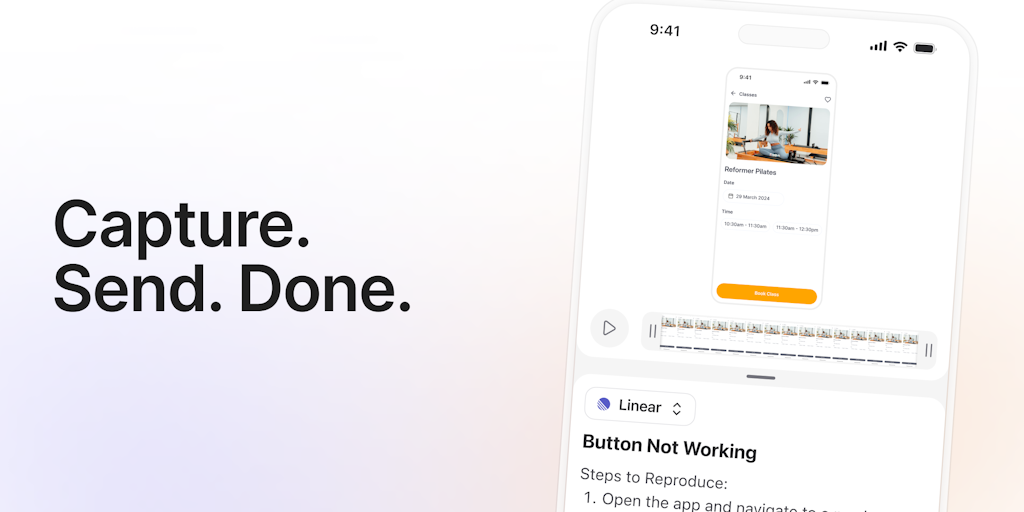
Record, edit, and share AI-powered videos to supercharge team communication

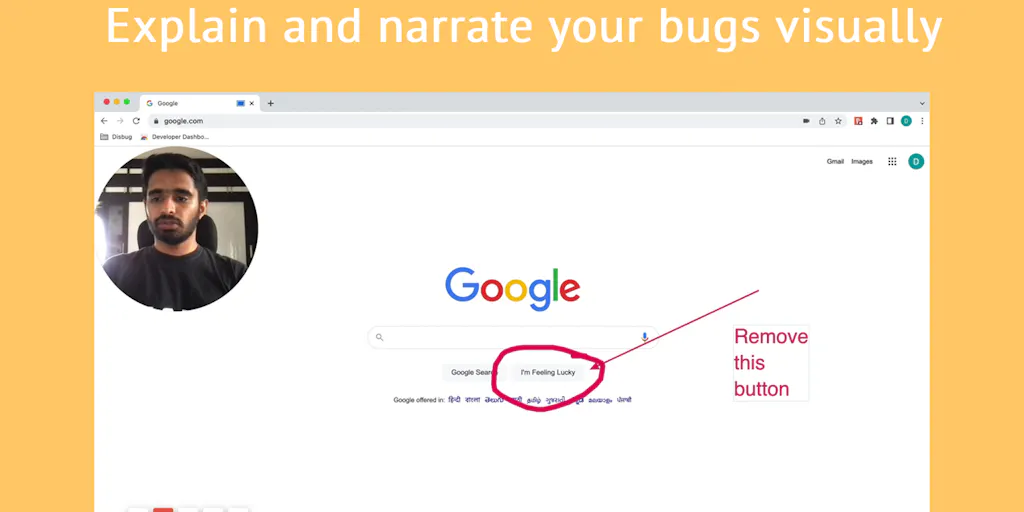
Professional screen recording and live presentations—no editing required.
Record, edit, and share professional videos - all in one tool
Recently Added AI Tools
New tools added to the directory

Deploy AI workers that take real actions in your systems, 24/7.

Free API to extract Open Graph data from any URL instantly


From the Blog
Latest guides and tips on AI tools
Best AI Tools for Ecommerce in 2026
Best AI Tools for Ecommerce in 2026
Best AI ToolsBest AI Tools for Digital Marketers in 2026
Best AI Tools for Digital Marketers in 2026
Best AI ToolsBest AI Tools for Freelancers in 2026
Best AI Tools for Freelancers in 2026
Best AI ToolsBest AI Tools for Small Business Owners in 2026
Best AI Tools for Small Business Owners in 2026
Best AI ToolsWant to list your AI tool on NextStair?
Submit Tool