

FocuSee
Record once, FocuSee perfects it automatically.
What is Focusee?
FocuSee is an AI-powered screen recording tool that automatically transforms raw footage into polished, share-ready videos without manual editing. It uses AI tracking, auto-zoom, cursor effects, and dynamic layouts to keep viewers focused on what matters most. Designed for content creators, educators, and professionals who need cinematic-quality videos without the learning curve or time investment of traditional editing software.
Need help implementing FocuSee?
Find verified specialists who work with FocuSee
Key Features of Focusee
- AI Auto Pan & Zoom
- Cursor Effects and Click Animations
- 3D Motion Effects
- Annotation Suite (text, shapes, arrows, spotlights)
- AI Subtitle Generation (50+ languages, 98%+ accuracy)
- AI Voice Enhancement
- AI Background Removal/Blur
- AI Virtual Avatar
- Intelligent Cursor Styling
- Dynamic Layout
Who Should Use Focusee?
Create professional tutorial and how-to videos
Generate engaging educational content
Produce polished product demo videos
Create accessible content with auto-subtitles
Record presentations without showing your face
Enhance webcam recordings with studio-quality backgrounds
Focusee: Pros & Cons
✓Pros
- Automatic editing with no manual setup required
- 50% faster post-production workflow
- AI subtitle generation with 98%+ accuracy in 50+ languages
- No green screen needed for background replacement
- Cinematic 3D motion effects in one click
- Works with multiple annotation elements simultaneously
- 60-day money back guarantee
Frequently Asked Questions about Focusee
What languages does FocuSee support for subtitles?
FocuSee supports speech recognition and subtitle generation in over 50 global languages including English, French, Swedish, and many others, with an accuracy rate of over 98%.
Can FocuSee remove or blur my background if I don't have a green screen?
Yes, FocuSee can blur or replace your background in post-production without needing a green screen, transforming any space into a studio-quality environment.
Do I need video editing skills to use FocuSee?
No, FocuSee is designed with no setup or learning curve. You simply record and the tool automatically handles the editing, including zoom, pan, cursor effects, and enhancements.
Can FocuSee remove background noise from my audio?
Yes, FocuSee includes AI Audio Enhancement that removes breathing sounds, mouth noises, and unwanted distractions to deliver crystal clear, professional-quality audio.
What is the AI Virtual Avatar feature?
FocuSee's AI Virtual Avatar allows you to create a digital persona to present your content if you have privacy concerns, camera shyness, or brand requirements, eliminating the need to appear on camera yourself.
Tool Details
- Company
- iMobie
- Pricing
- Free
- Languages
- English, French, Swedish, and 50+ additional global languages
- Category
- Screen Recorders
- Added
- Jul 2026
More Screen Recorders Tools
7 tools in the same category
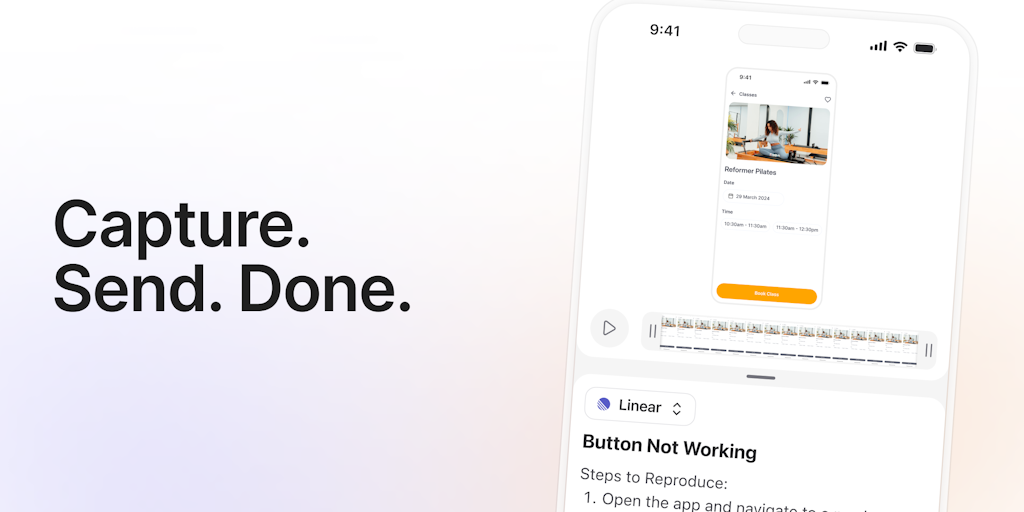
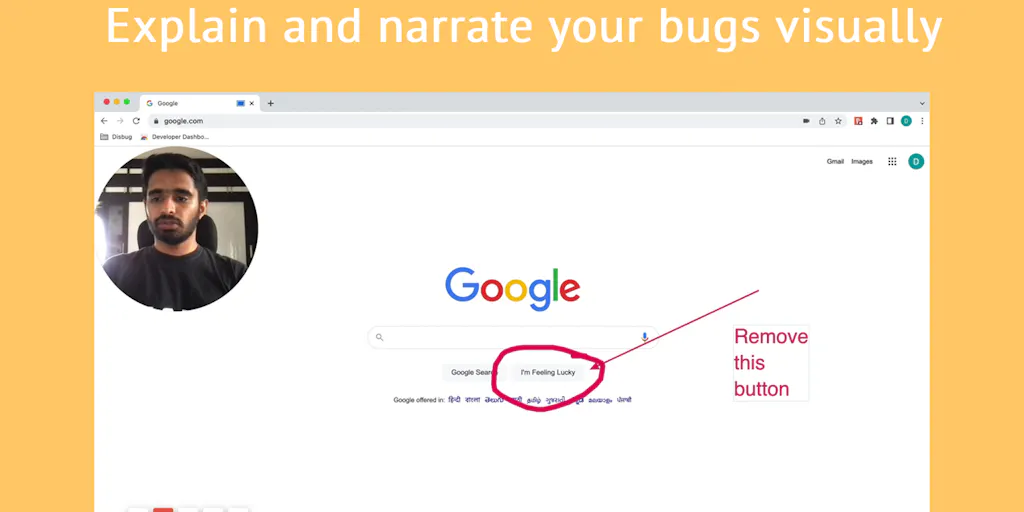

Turn boring screenshots into professional graphics in seconds

Record, edit, and share AI-powered videos to supercharge team communication

Professional screen recording and live presentations—no editing required.
Record, edit, and share professional videos - all in one tool

Drag screenshots and clips from the notch straight into Slack—no uploads, no links.
Recently Added AI Tools
New tools added to the directory

Deploy AI workers that take real actions in your systems, 24/7.

Free API to extract Open Graph data from any URL instantly


From the Blog
Latest guides and tips on AI tools
Best AI Tools for Ecommerce in 2026
Best AI Tools for Ecommerce in 2026
Best AI ToolsBest AI Tools for Digital Marketers in 2026
Best AI Tools for Digital Marketers in 2026
Best AI ToolsBest AI Tools for Freelancers in 2026
Best AI Tools for Freelancers in 2026
Best AI ToolsBest AI Tools for Small Business Owners in 2026
Best AI Tools for Small Business Owners in 2026
Best AI ToolsWant to list your AI tool on NextStair?
Submit Tool