

Best Screen Recorders 2026
Browse screen recording tools for capturing software demonstrations, tutorials, presentations, and meeting content. These tools range from simple screenshot-to-video utilities to full-featured video editors with screen capture. Compare recording quality (resolution, frame rate), audio capture options (system + microphone), annotation tools, built-in editing, and sharing/hosting options.
.svg)

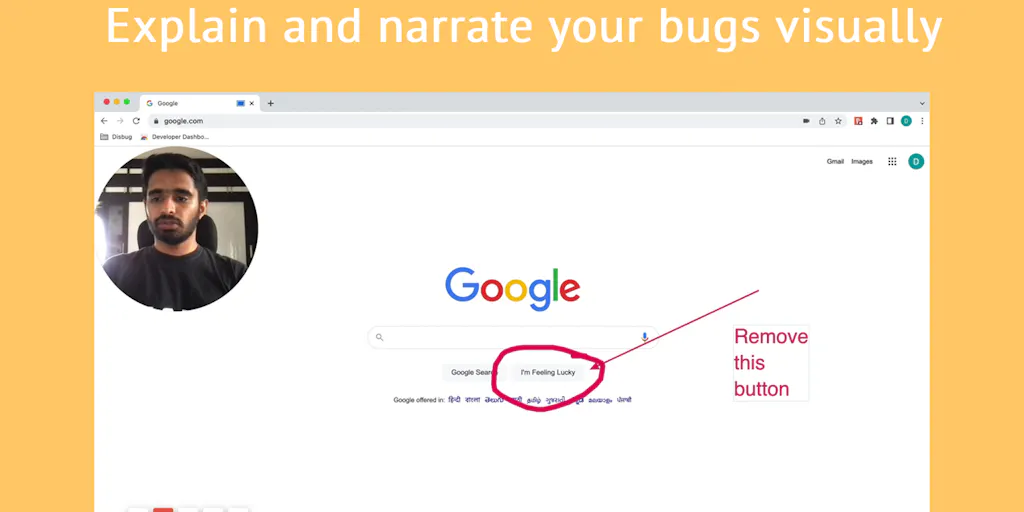
Capture bugs with complete context in one click
Record, edit, and share professional videos - all in one tool

Capture and beautify screenshots in one step, right in your browser

Free online screen recorder with no watermark or setup required

Screen recordings that look designed - automatically.

Record, edit, and share AI-powered videos to supercharge team communication

Drag screenshots and clips from the notch straight into Slack - no uploads, no links.

Create polished product demos in your browser, free.
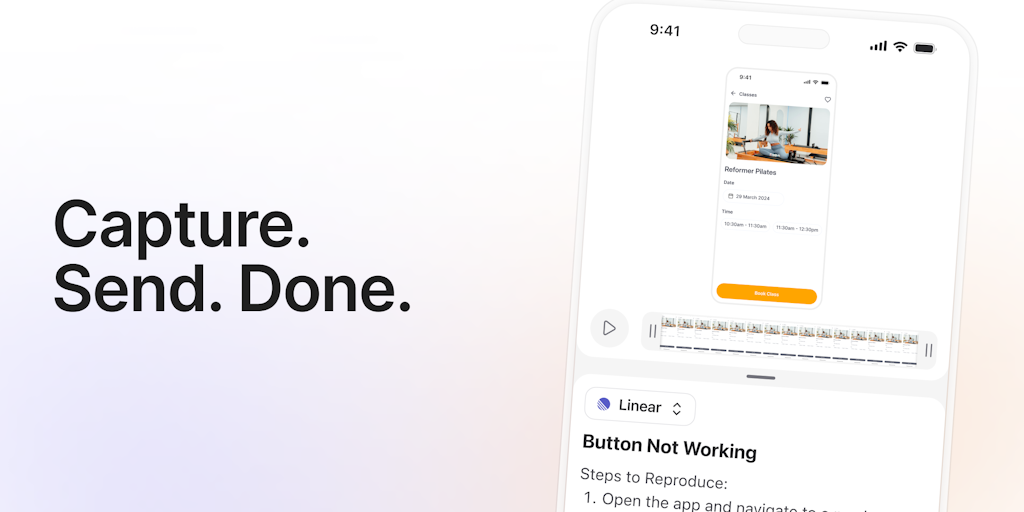
One-click bug reports with all the context devs need
Record once, FocuSee perfects it automatically.

Turn boring screenshots into professional graphics in seconds

Professional screen recording and live presentations - no editing required.
Screen recorders capture what happens on your screen, the raw material for tutorials, demos, course content, and bug reports. From quick clips to polished recordings with webcam and annotations, these tools produce a huge share of the video that gets edited and shared today.
What screen recorders capture
They record your screen, often with webcam, microphone, and on-screen annotations, producing clear footage of software, presentations, and processes. Quality capture is the foundation of any tutorial or demo.
Screen recording and beyond
Recordings feed editing and async communication, so these pair with the pro video editors and the async video tools that share them without a meeting.