


Loom
Record, edit, and share AI-powered videos to supercharge team communication
What is Loom?
Loom is an AI-powered video messaging platform that lets teams easily record, edit, and share screen and camera videos to enhance communication and productivity. It works by offering lightning-fast screen recording via Chrome extension, desktop, or mobile apps with an intuitive editor for trimming, stitching, and adding visual elements. Built for remote teams, sales, engineering, support, and design professionals who need visual context to communicate asynchronously across time zones.
Need help implementing Loom?
Find verified specialists who work with Loom
Key Features of Loom
- Screen and camera recording across devices
- Intuitive video editor with trim, stitch, and overlays
- Transcriptions and captions in 50+ languages
- Seamless integration with 400+ tools (Google Workspace, Slack, Jira)
- AI bug report generation for Jira work items
- Video and viewer insights
- Custom backgrounds
- Emoji, comments, tasks, and CTA overlays
- Enterprise-grade security with SSO and SCIM
Who Should Use Loom?
Sales outreach with personalized video pitches
Engineering documentation and code review acceleration
Customer support troubleshooting over video
Design feedback and idea sharing
Asynchronous team communication across time zones
Onboarding and training walkthrough videos
Loom: Pros & Cons
✓Pros
- Millions of users across 400,000 companies
- Lightning-fast recording on any device
- Intuitive editor for professional-looking videos
- Wide language support with 50+ language captions
- Extensive integration ecosystem
- AI-powered features like automatic bug reports for Jira
- Enterprise-grade security features
- No sign-up required to view videos
Frequently Asked Questions about Loom
What devices can I use to record with Loom?
You can record on any device using Loom's Chrome extension, desktop app, or mobile app.
What languages does Loom support for captions?
Loom provides transcriptions and captions in 50+ languages to help remote teams collaborate across time zones.
Can I integrate Loom videos with other tools?
Yes, Loom seamlessly integrates with hundreds of tools including Google Workspace, Slack, and Jira.
Does Loom have security features for enterprise?
Yes, Loom offers enterprise-grade security including SSO, SCIM, custom data retention policies, and privacy settings.
Can I edit my videos after recording?
Yes, Loom's intuitive editor lets you trim, stitch clips, add backgrounds, and add text, arrows, and box overlays.
Tool Details
- Pricing
- Free
- Languages
- 50+ languages
- Category
- Screen Recorders
- Added
- Jul 2026
More Screen Recorders Tools
7 tools in the same category
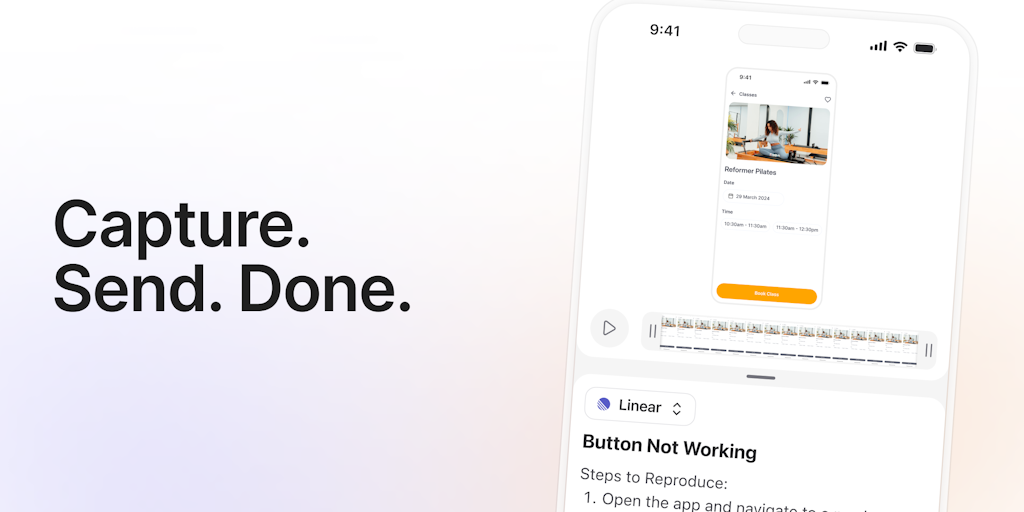
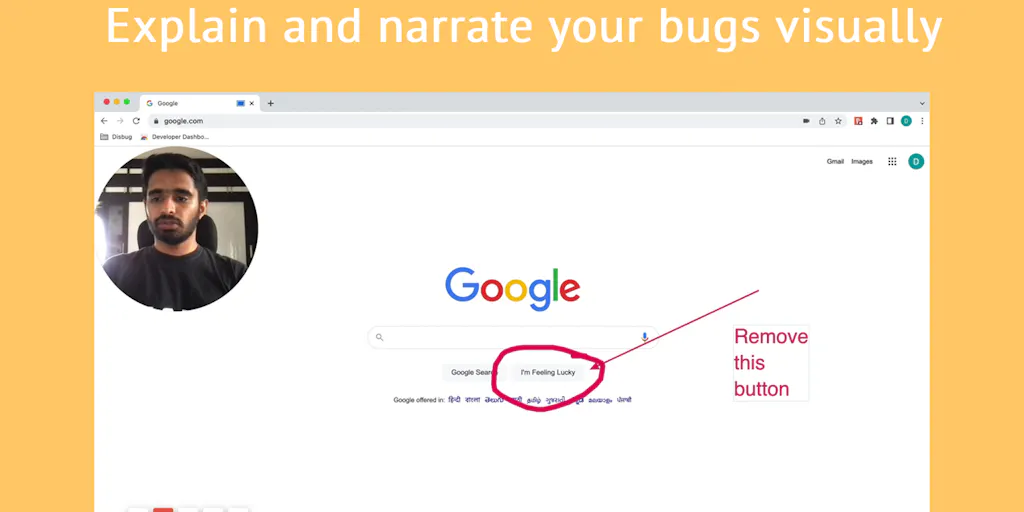

Turn boring screenshots into professional graphics in seconds

Professional screen recording and live presentations—no editing required.
Record, edit, and share professional videos - all in one tool

Drag screenshots and clips from the notch straight into Slack—no uploads, no links.
Recently Added AI Tools
New tools added to the directory

Deploy AI workers that take real actions in your systems, 24/7.

Free API to extract Open Graph data from any URL instantly


From the Blog
Latest guides and tips on AI tools
Best AI Tools for Ecommerce in 2026
Best AI Tools for Ecommerce in 2026
Best AI ToolsBest AI Tools for Digital Marketers in 2026
Best AI Tools for Digital Marketers in 2026
Best AI ToolsBest AI Tools for Freelancers in 2026
Best AI Tools for Freelancers in 2026
Best AI ToolsBest AI Tools for Small Business Owners in 2026
Best AI Tools for Small Business Owners in 2026
Best AI ToolsWant to list your AI tool on NextStair?
Submit Tool