


QuackScreen
Drag screenshots and clips from the notch straight into Slack—no uploads, no links.
What is Quackscreen?
QuackScreen is a lightweight macOS screen recording and screenshot tool that lets you capture and share clips instantly from the menu bar. Record short videos (up to 3 minutes) or take annotated screenshots, then drag them directly into Slack, Mail, or any app without uploading or generating links. Built for developers, support teams, and anyone who needs to show instead of tell.
Need help implementing QuackScreen?
Find verified specialists who work with QuackScreen
Key Features of Quackscreen
- Short, focused screen recordings (capped at 3 minutes)
- Capture full display or single window
- Automatic cursor-following zoom in every clip
- One-click screenshots with in-app annotation editor
- Annotation tools: pen, arrow, rectangle, highlight, blur
- Microphone selection for narration
- System-wide shortcuts (⌘⌥⇧R to record, ⌘⌥⇧S to screenshot)
- Drag recordings and screenshots from menu bar notch to any app
- Region screenshots and recordings
- No upload required
Who Should Use Quackscreen?
File bug reports in Jira, Linear, or GitHub
Create faster support tickets without back-and-forth
Walk through code reviews without scheduling calls
Record async standups instead of meetings
Share onboarding notes and documentation
Create customer demos with annotations
Quackscreen: Pros & Cons
✓Pros
- Drag-and-drop directly from menu bar notch
- No upload or link generation needed
- Works with any app (Slack, Mail, Finder, etc.)
- One-time lifetime purchase with all future updates included
- Two Mac licenses included in one purchase
- Automatic cursor-following zoom
- System-wide keyboard shortcuts
- Built-in annotation editor
✕Cons
- macOS only (requires macOS 26+ with Apple silicon)
- Screen recordings capped at 3 minutes
- Free version details not fully specified in FAQ section shown
Frequently Asked Questions about Quackscreen
Is there a free version?
Yes, QuackScreen is free to try on macOS 26+ with Apple silicon. A lifetime license is available for €20 (€10 with promo code).
How does the license work?
One license covers two Macs and includes all future updates. It's a one-time purchase with no subscriptions.
What macOS version do I need?
macOS 26+ with Apple silicon.
Can I use QuackScreen with multiple displays?
Yes, you can capture a full display or a single window, with support for region screenshots and recordings across multiple displays.
What file types can I record and share?
You can record short video clips (up to 3 minutes) and take annotated screenshots, then drag them directly into Slack, Mail, Finder, or any other app.
Tool Details
- Pricing
- Free
- Category
- Screen Recorders
- Added
- Jul 2026
More Screen Recorders Tools
7 tools in the same category
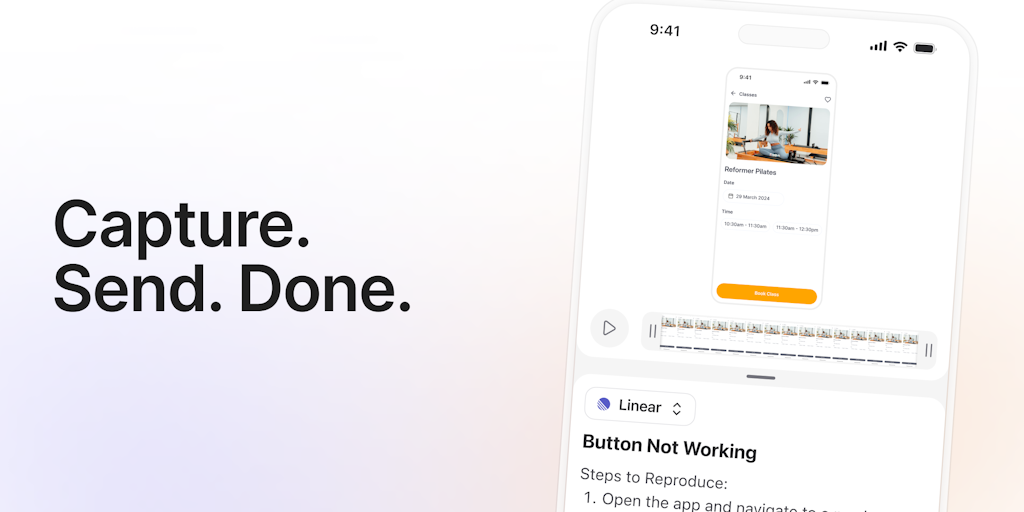
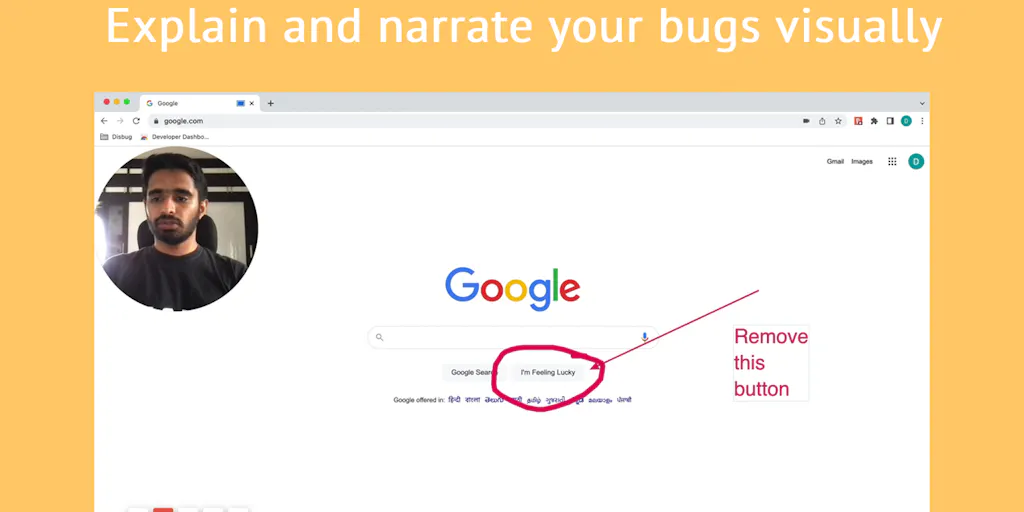

Turn boring screenshots into professional graphics in seconds

Record, edit, and share AI-powered videos to supercharge team communication

Professional screen recording and live presentations—no editing required.
Record, edit, and share professional videos - all in one tool
Recently Added AI Tools
New tools added to the directory

Deploy AI workers that take real actions in your systems, 24/7.

Free API to extract Open Graph data from any URL instantly


From the Blog
Latest guides and tips on AI tools
Best AI Tools for Ecommerce in 2026
Best AI Tools for Ecommerce in 2026
Best AI ToolsBest AI Tools for Digital Marketers in 2026
Best AI Tools for Digital Marketers in 2026
Best AI ToolsBest AI Tools for Freelancers in 2026
Best AI Tools for Freelancers in 2026
Best AI ToolsBest AI Tools for Small Business Owners in 2026
Best AI Tools for Small Business Owners in 2026
Best AI ToolsWant to list your AI tool on NextStair?
Submit Tool