

LiveSurface
Create photo-realistic mockups in real time with AI-powered 3D surface visualization.
What is Livesurface?
LiveSurface is a design visualization software that transforms flat images into dynamic, photo-realistic 3D surfaces for mockups and presentations. It uses a patented Context Engine to enable real-time rendering of artwork on physically-accurate materials like foils, fluorescents, and embossed finishes. Designed for designers, agencies, and creative studios, it lets users create portfolio-ready mockups by dragging and dropping artwork onto curated surfaces with customizable lighting and materials.
Need help implementing LiveSurface?
Find verified specialists who work with LiveSurface
Key Features of Livesurface
- Drag and drop artwork placement
- Physically-accurate materials (foils, fluorescents, varnishes, embossing)
- Real-time 3D rendering with Context Engine
- Customizable lighting and camera depth of field
- Infinite material customization (color, smoothness, reflectivity, metallicity, glow, transparency)
- Curated Surface Store library
- Snapshots and moving artwork animation
- Plugin integration
- Cross-platform (macOS, iPadOS, visionOS)
Who Should Use Livesurface?
Create portfolio-ready product mockups for agencies
Visualize branding concepts on physical materials
Show packaging designs with accurate material properties
Present design concepts to clients with photorealistic rendering
Experiment with different finishes and embossing on artwork
Livesurface: Pros & Cons
✓Pros
- Real-time performance with reengineered Context Engine
- Photo-realistic rendering powered by physically-based materials
- Intuitive drag-and-drop interface
- Extensive curated Surface Store library
- Cross-platform availability (macOS, iPadOS, visionOS)
- Simple slider controls for complex material customization
- Trusted by major studios and agencies (Ogilvy, Google, NASA, NVIDIA)
Frequently Asked Questions about Livesurface
What is LiveSurface used for?
LiveSurface is a design visualization software that transforms flat images into dynamic 3D surfaces, allowing designers to create photo-realistic mockups and presentations of artwork on various materials.
What platforms does LiveSurface work on?
LiveSurface is available on macOS, iPadOS, and visionOS. A single subscription unlocks the tool across all three platforms.
Can I customize materials in LiveSurface?
Yes, LiveSurface offers infinite material customization. You can adjust color tint, smoothness, reflectivity, metallicity, glow, transparency, and emboss properties using simple slider controls.
How much does LiveSurface cost?
LiveSurface offers a Pro subscription at $18 per month (auto-renewing) or a yearly plan. Both plans unlock all surfaces and features across macOS, iPadOS, and visionOS.
What makes LiveSurface different from regular mockup tools?
LiveSurface uses a patented approach and proprietary Context Engine for real-time 3D rendering. Surfaces react to their environment with physically-accurate properties like foils, fluorescents, and embossing that cast shadows and reflect light, unlike flat image mockups.
Tool Details
- Pricing
- Free
- Category
- Mockup Generators
- Added
- Jul 2026
More Mockup Generators Tools
7 tools in the same category

Type a prompt. Get a realistic mockup in seconds.

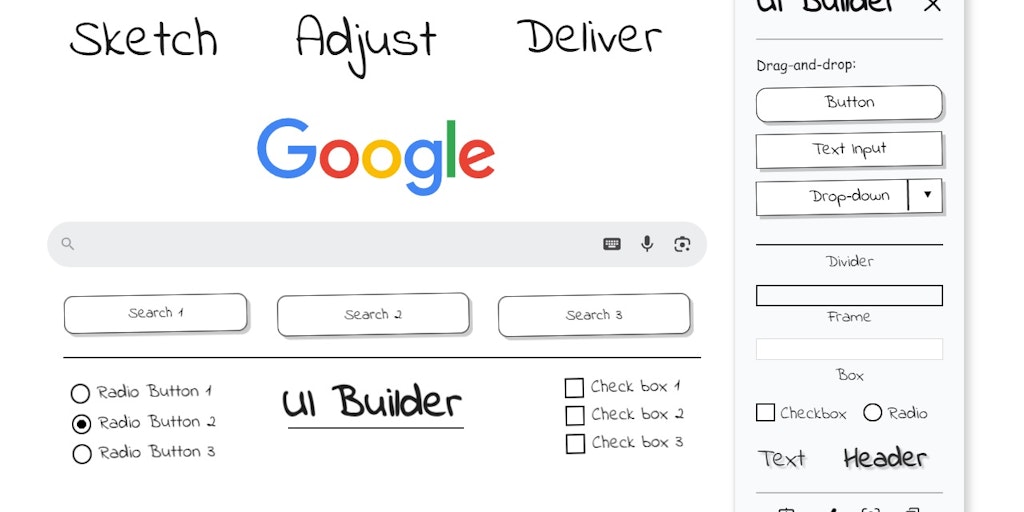
Sketch UI wireframes directly on any webpage in Chrome


Create realistic wall mockups for your art listings in 60 seconds


Recently Added AI Tools
New tools added to the directory

Deploy AI workers that take real actions in your systems, 24/7.

Free API to extract Open Graph data from any URL instantly


From the Blog
Latest guides and tips on AI tools
Best AI Tools for Ecommerce in 2026
Best AI Tools for Ecommerce in 2026
Best AI ToolsBest AI Tools for Digital Marketers in 2026
Best AI Tools for Digital Marketers in 2026
Best AI ToolsBest AI Tools for Freelancers in 2026
Best AI Tools for Freelancers in 2026
Best AI ToolsBest AI Tools for Small Business Owners in 2026
Best AI Tools for Small Business Owners in 2026
Best AI ToolsWant to list your AI tool on NextStair?
Submit Tool