

OGCanvas
Design once. Ship perfect OG images everywhere your links travel.
What is Ogcanvas?
OGCanvas helps creators and developers design polished Open Graph preview images (1200×630) once and render them dynamically across 11 social platforms. Using a visual editor, you craft templates with variable text layers, then feed live data (titles, authors, images) through a render URL that generates cached, social-ready PNGs on demand. Built for developers using Next.js, Remix, Astro, and SvelteKit who want every shared link to display beautifully.
Need help implementing OGCanvas?
Find verified specialists who work with OGCanvas
Key Features of Ogcanvas
- 30+ premium templates with customizable colors and typography
- Visual editor with no code required
- Dynamic variable text layers with fallbacks
- Edge-cached PNG rendering under 100ms
- Support for 11 social platforms (Facebook, X, LinkedIn, Bluesky, Slack, iMessage, Discord, GitHub, WhatsApp, Notion, Telegram)
- Works with Next.js, Remix, Astro, and SvelteKit
- Automatic font, encoding, and caching handling
- Export in PNG, JPEG, or WebP format
Who Should Use Ogcanvas?
Generate unique OG images for every blog post automatically
Create branded social previews for content platforms
Render dynamic preview images for documentation and GitHub repositories
Display personalized OG images across newsletters and shared content
Automate OG image generation for content-heavy websites without manual design
Ogcanvas: Pros & Cons
✓Pros
- No design or technical skills required to get started
- Free tier includes design and download capabilities with no watermark
- Edge-caching ensures fast rendering after first request
- Seamless integration with modern web frameworks
- Declarative variables with fallback values prevent broken previews
- Supports multiple export formats
- 30 professionally designed starter templates
Frequently Asked Questions about Ogcanvas
How long does it take to create an OG image template?
About three minutes. Pick a template (60 seconds), wire text layers to URL parameters (90 seconds), then paste the render URL into your meta tags (30 seconds).
Do I need to know how to code to use OGCanvas?
No. The visual editor requires no coding to design templates. Integration into your site is simple—just paste a URL into your og:image meta tag, which works with any framework.
What platforms do OG images render for?
OGCanvas renders for 11 surfaces: Facebook, X/Twitter, LinkedIn, Bluesky, Slack, iMessage, Discord, GitHub, WhatsApp, Notion, and Telegram.
How fast are rendered images?
The first render hits the origin server. After that, edge-cached PNGs are served via CDN in under 100ms.
Can I use OGCanvas with my web framework?
Yes. OGCanvas works with Next.js, Remix, Astro, and SvelteKit. You can also use it anywhere you write a meta tag.
Tool Details
- Pricing
- Free
- Category
- Mockup Generators
- Added
- Jul 2026
More Mockup Generators Tools
7 tools in the same category

Type a prompt. Get a realistic mockup in seconds.

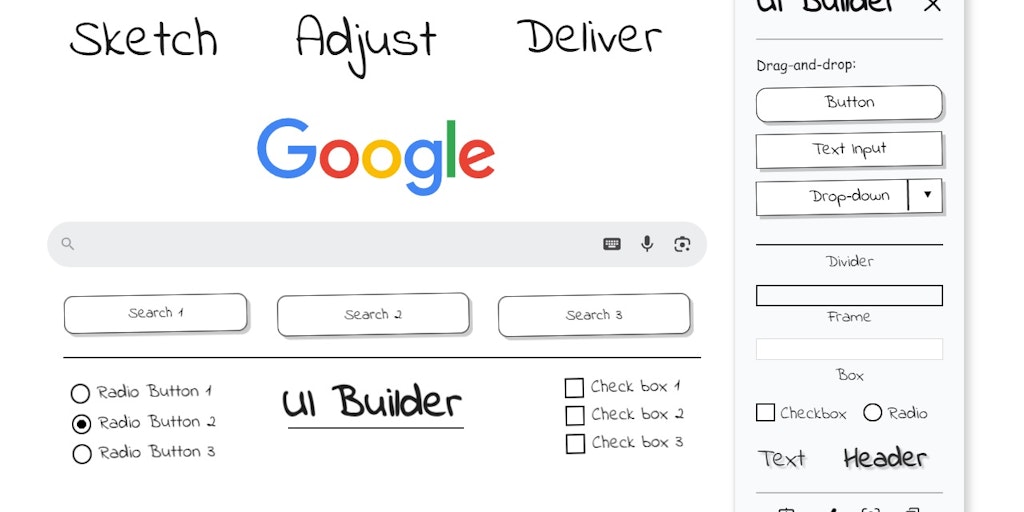
Sketch UI wireframes directly on any webpage in Chrome

Create photo-realistic mockups in real time with AI-powered 3D surface visualization.

Create realistic wall mockups for your art listings in 60 seconds

Recently Added AI Tools
New tools added to the directory

Deploy AI workers that take real actions in your systems, 24/7.

Free API to extract Open Graph data from any URL instantly


From the Blog
Latest guides and tips on AI tools
Best AI Tools for Ecommerce in 2026
Best AI Tools for Ecommerce in 2026
Best AI ToolsBest AI Tools for Digital Marketers in 2026
Best AI Tools for Digital Marketers in 2026
Best AI ToolsBest AI Tools for Freelancers in 2026
Best AI Tools for Freelancers in 2026
Best AI ToolsBest AI Tools for Small Business Owners in 2026
Best AI Tools for Small Business Owners in 2026
Best AI ToolsWant to list your AI tool on NextStair?
Submit Tool