


Mockup
Sketch, wireframe, and prototype apps faster with Apple Pencil
What is Mockup?
Mockup is an iPad, iPhone, and Mac app for sketching, wireframing, and prototyping user interfaces with Apple Pencil. It combines a flexible canvas with 45+ device frames, 4,000+ SF Symbols, and reusable UI elements to enable designers to validate navigation and user experience before development. Built for UI/UX designers, developers, and product teams seeking a seamless design workflow.
Need help implementing Mockup?
Find verified specialists who work with Mockup
Key Features of Mockup
- Apple Pencil support with natural drawing tools
- 45+ device frames for mobile, tablet, desktop, watch, TV, and web
- Shape Detection and Snap to Grid for cleaner layouts
- Scribble text editing directly on canvas
- 4,000+ customizable SF Symbols
- Reusable UI elements and custom element sets
- Interactive prototype creation with screen connections
- Full-screen prototype preview
- PDF and PNG export
- SharePlay for real-time collaboration
- iCloud sync across iPad, iPhone, and Mac
- Apple Pencil Pro squeeze gestures
- External keyboard and trackpad support
- Multi-window support
Who Should Use Mockup?
Design mobile app interfaces with multiple device frame options
Create wireframes for responsive web design
Build interactive prototypes to validate user flows before development
Collaborate with team members on UI/UX designs in real time
Sketch and prototype smartwatch and TV interfaces
Document design systems using reusable text styles and custom elements
Mockup: Pros & Cons
✓Pros
- Featured by Apple and App of the Day recognition
- Trusted by 500,000+ designers, developers, and product teams
- Native Apple Pencil integration with hover and squeeze gestures
- Comprehensive UI kit with 4,000+ SF Symbols
- Real-time collaboration via SharePlay
- Seamless cross-device sync with iCloud
- Free tier allows unlimited sketches and projects
- Desktop-class experience with keyboard and trackpad support
- Watermark-free PDF export in Studio plan
✕Cons
- Advanced features (interactive prototypes, all device frames, Shape Detection) require paid Studio subscription
- Limited to Apple ecosystem devices only
Frequently Asked Questions about Mockup
What devices does Mockup work on?
Mockup works on iPad, iPhone, and Mac, with seamless iCloud sync across all devices.
Do I need to pay to start using Mockup?
No, Mockup is free to download and includes unlimited sketches and projects. Advanced features require Mockup Studio subscription.
Can I collaborate with team members on designs?
Yes, you can share Mockup files with other users and collaborate in real time using SharePlay.
What export formats are supported?
Mockup supports PDF and PNG export. The Studio subscription offers watermark-free PDF export.
Can I use Apple Pencil with Mockup?
Yes, Mockup is optimized for Apple Pencil and supports Apple Pencil Hover and Apple Pencil Pro squeeze gestures.
Tool Details
- Company
- Apprime Studio sarl
- Pricing
- Free
- Languages
- English, and 7 additional languages
- Category
- Mockup Generators
- Added
- Jul 2026
More Mockup Generators Tools
7 tools in the same category

Type a prompt. Get a realistic mockup in seconds.
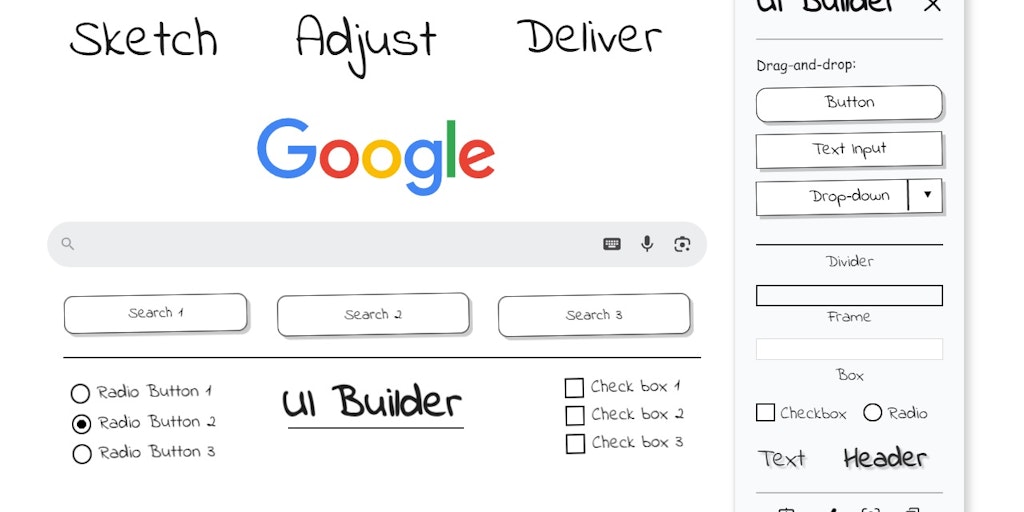
Sketch UI wireframes directly on any webpage in Chrome

Create photo-realistic mockups in real time with AI-powered 3D surface visualization.

Create realistic wall mockups for your art listings in 60 seconds


Recently Added AI Tools
New tools added to the directory

Deploy AI workers that take real actions in your systems, 24/7.

Free API to extract Open Graph data from any URL instantly


From the Blog
Latest guides and tips on AI tools
Best AI Tools for Ecommerce in 2026
Best AI Tools for Ecommerce in 2026
Best AI ToolsBest AI Tools for Digital Marketers in 2026
Best AI Tools for Digital Marketers in 2026
Best AI ToolsBest AI Tools for Freelancers in 2026
Best AI Tools for Freelancers in 2026
Best AI ToolsBest AI Tools for Small Business Owners in 2026
Best AI Tools for Small Business Owners in 2026
Best AI ToolsWant to list your AI tool on NextStair?
Submit Tool