


OneShots
Create app screenshots in 10 seconds, not hours
What is Oneshots?
OneShots is an AI-powered app screenshot generator that creates panoramic screenshots in seconds for app store listings and marketing campaigns. It uses pre-built templates and mockup styles to help developers and marketers visualize how their apps will appear across devices. The tool is designed for app creators, launch teams, and marketers who need professional screenshots without hiring a designer.
Need help implementing OneShots?
Find verified specialists who work with OneShots
Key Features of Oneshots
- AI-powered screenshot generation
- Pre-built app templates (Telegram, Airbnb, Zoom, Spotify, Netflix, TikTok, YouTube Music, Amazon Music, Strava, Evolve, Planet Fitness, Indeed)
- Mockup styles and design customization
- Real-time preview of all scenes
- High-resolution PNG/JPEG export
- No design experience required
Who Should Use Oneshots?
Generate screenshots for app store listings
Create marketing assets for app launches
Preview app designs across multiple device mockups
Design screenshots for short-term campaigns
Producce launch-ready assets without hiring designers
Oneshots: Pros & Cons
✓Pros
- 10-second creation time
- Saves 20+ hours compared to hiring a designer
- Saves $1000+ in designer costs
- Intuitive editor requiring no design experience
- 30%+ increase in app download rates
- Free plan available with preview and editing features
- Monthly or yearly subscription flexibility
✕Cons
- Free plan does not include image export
- Export features limited to Pro plan subscribers
Frequently Asked Questions about Oneshots
How long does it take to create app screenshots with OneShots?
OneShots creates app screenshots in approximately 10 seconds, compared to significantly longer times with traditional design methods.
What templates are available?
OneShots includes popular app templates such as Telegram, Airbnb, Zoom, Spotify, Netflix, TikTok, YouTube Music, Amazon Music, Strava, Planet Fitness, Indeed, and Evolve.
Can I export my screenshots with the free plan?
No, the free Basic plan allows you to create, edit, and preview screenshots, but export is only available with the Pro plan.
What file formats does OneShots support for export?
OneShots exports screenshots in high-resolution PNG and JPEG formats.
How much does the Pro plan cost?
The Pro Monthly plan costs $6.90 per month and includes export features, high-resolution exports, and access to all editor features.
Tool Details
- Company
- OneShots
- Pricing
- Free
- Category
- Mockup Generators
- Added
- Jul 2026
More Mockup Generators Tools
7 tools in the same category

Type a prompt. Get a realistic mockup in seconds.

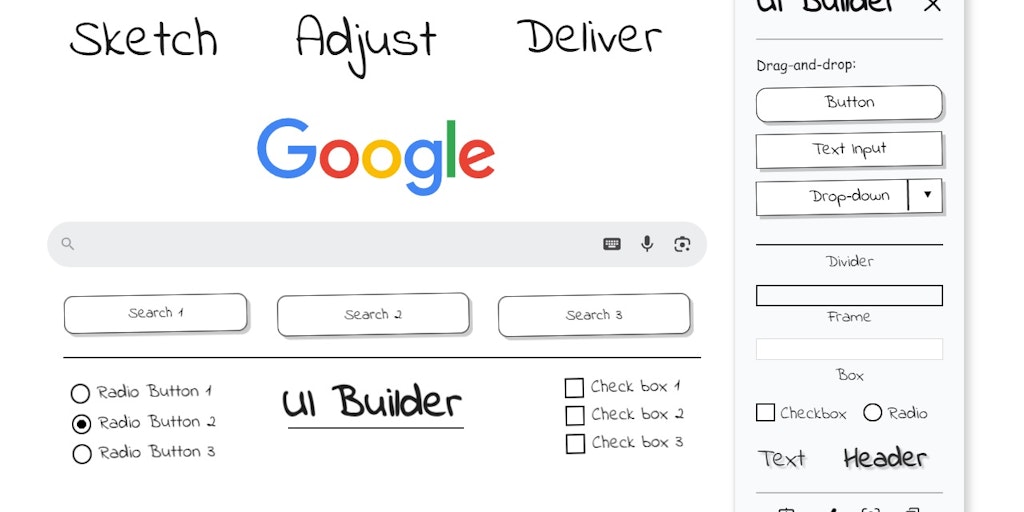
Sketch UI wireframes directly on any webpage in Chrome

Create photo-realistic mockups in real time with AI-powered 3D surface visualization.

Create realistic wall mockups for your art listings in 60 seconds
Recently Added AI Tools
New tools added to the directory

Deploy AI workers that take real actions in your systems, 24/7.

Free API to extract Open Graph data from any URL instantly


From the Blog
Latest guides and tips on AI tools
Best AI Tools for Ecommerce in 2026
Best AI Tools for Ecommerce in 2026
Best AI ToolsBest AI Tools for Digital Marketers in 2026
Best AI Tools for Digital Marketers in 2026
Best AI ToolsBest AI Tools for Freelancers in 2026
Best AI Tools for Freelancers in 2026
Best AI ToolsBest AI Tools for Small Business Owners in 2026
Best AI Tools for Small Business Owners in 2026
Best AI ToolsWant to list your AI tool on NextStair?
Submit Tool