


WallMockup
Create realistic wall mockups for your art listings in 60 seconds
What is Wallmockup?
WallMockup helps artists and sellers create realistic wall mockups of their artwork in real rooms in under 60 seconds. Simply upload your art, adjust size and frame, and export listing-ready images without needing Photoshop. Designed for Etsy sellers, Shopify artists, and portfolio creators who need accurate scale, realistic lighting, and professional presentations to help buyers visualize artwork in their spaces.
Need help implementing WallMockup?
Find verified specialists who work with WallMockup
Key Features of Wallmockup
- No Photoshop required
- Export-ready images
- 314 room scenes
- True-scale placement
- Frame and mat customization
- Custom size adjustment
- Instant preview in real rooms
- Listing-ready exports
Who Should Use Wallmockup?
Create wall art mockups for Etsy and marketplace seller listings
Present artwork in realistic interiors for portfolio websites
Generate client previews for commissions and proposals
Show collectors how framed art looks in real spaces
Create social media content for art promotion
Help buyers understand scale and style before purchase
Wallmockup: Pros & Cons
✓Pros
- No Photoshop skills required
- Exports ready for immediate use in product listings
- Accurate scale representation in real rooms
- Fast creation process (under 60 seconds)
- Used by established sellers on Etsy and Shopify
- Realistic lighting and composition
- Multiple room and frame style options
Frequently Asked Questions about Wallmockup
How long does it take to create a wall mockup?
You can create a listing-ready mockup in under 60 seconds by uploading your art, selecting a size, choosing a frame, and exporting.
Do I need Photoshop to use WallMockup?
No, Photoshop is not required. WallMockup is designed to be simple and intuitive for users of all skill levels.
Can I customize the size and frame of my artwork?
Yes, you can adjust size (standard or custom), choose from multiple frame styles, and fine-tune placement using the editor's left panel.
Who uses WallMockup?
WallMockup is used by Etsy sellers, Shopify artists, portfolio creators, and anyone needing realistic art mockups for listings or presentations.
Tool Details
- Pricing
- Free
- Category
- Mockup Generators
- Added
- Jul 2026
More Mockup Generators Tools
7 tools in the same category

Type a prompt. Get a realistic mockup in seconds.

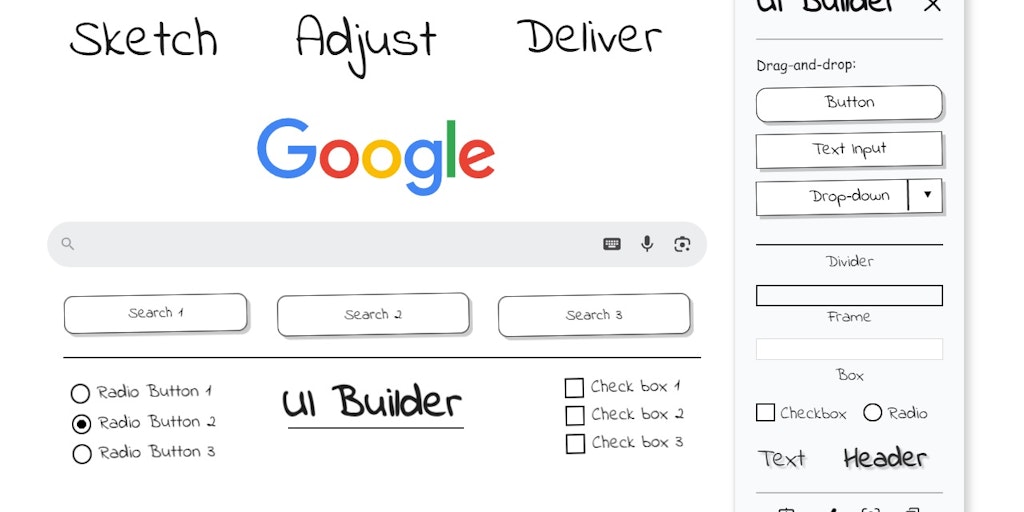
Sketch UI wireframes directly on any webpage in Chrome

Create photo-realistic mockups in real time with AI-powered 3D surface visualization.


Recently Added AI Tools
New tools added to the directory

Deploy AI workers that take real actions in your systems, 24/7.

Free API to extract Open Graph data from any URL instantly


From the Blog
Latest guides and tips on AI tools
Best AI Tools for Ecommerce in 2026
Best AI Tools for Ecommerce in 2026
Best AI ToolsBest AI Tools for Digital Marketers in 2026
Best AI Tools for Digital Marketers in 2026
Best AI ToolsBest AI Tools for Freelancers in 2026
Best AI Tools for Freelancers in 2026
Best AI ToolsBest AI Tools for Small Business Owners in 2026
Best AI Tools for Small Business Owners in 2026
Best AI ToolsWant to list your AI tool on NextStair?
Submit Tool