


Glide - Professional Effects Without Editing
Screen recordings that look designed - automatically.
Add your screenshot here
Image or video shown in this spot
What is Glide?
Glide is a screen recording tool that automatically creates cinematic, designed-looking videos without editing skills. It intelligently auto-zooms to your clicks, smooths the cursor, and applies professional effects like clean backgrounds and rounded corners. Perfect for product demos, tutorials, and marketing content, Glide lets you record once and export to multiple aspect ratios (16:9, 9:16, 1:1) for YouTube, TikTok, Reels, and more.
Need help implementing Glide - Professional Effects Without Editing?
Find verified specialists who work with Glide - Professional Effects Without Editing
Key Features of Glide
- Auto-zoom tracking that follows your clicks
- Smart Reframe for 16:9, 9:16, and 1:1 exports from one recording
- Smoothed synthetic cursor with subtle click ripples
- Built-in editor with trim, split, speed control (0.5× to 2×), and undo/redo
- Live preview showing exact final result before export
- Customizable backgrounds, padding, rounded corners, and soft shadows
- No watermark on Pro exports
- Full live preview forever on Free tier
Who Should Use Glide?
Create product demos and tutorials for YouTube
Generate vertical content for TikTok and Instagram Reels
Make square ads and feed content
Record software walkthroughs and onboarding videos
Produce marketing content across multiple platforms from a single take
Glide: Pros & Cons
✓Pros
- Free recording and preview forever with no watermark roulette
- Automatic cinematic effects require no editing skills
- Single recording exports to multiple aspect ratios maintaining composition
- Live preview matches final export exactly
- Smooth, professional-looking cursor and zoom movements
- Built-in trimming, splitting, and speed controls
- No paywall surprises - see results before paying
- MacOS 14+ with Apple Silicon and Intel support
✕Cons
- macOS only (no Windows support mentioned)
- Pro export required to save videos (Free tier preview-only)
- Requires macOS 14 Sonoma or newer
Frequently Asked Questions about Glide
Is recording with Glide really free?
Yes. Recording and the full live preview are free forever. You only pay to export and save the final file.
Can I use one recording on multiple platforms?
Yes. Glide's Smart Reframe feature lets you export a single recording as 16:9 (YouTube), 9:16 (TikTok/Reels), and 1:1 (square) while keeping the action in frame for each aspect ratio.
Do I need editing skills to use Glide?
No. Glide automatically handles auto-zoom, cursor smoothing, and professional effects. You can edit with built-in tools like trim, split, and speed control, but it's optional.
What does the live preview show?
The live preview shows exactly what your final exported video will look like - including all zooms, the smoothed cursor, backgrounds, crops, and effects. What you see is what you get.
What are the system requirements?
Glide requires macOS 14 (Sonoma) or newer and works on both Apple Silicon and Intel Macs.
Tool Details
- Pricing
- Free
- Category
- Screen Recorders
- Added
- Jul 2026
- Last Updated
- Jul 2026
More Screen Recorders Tools
7 tools in the same category
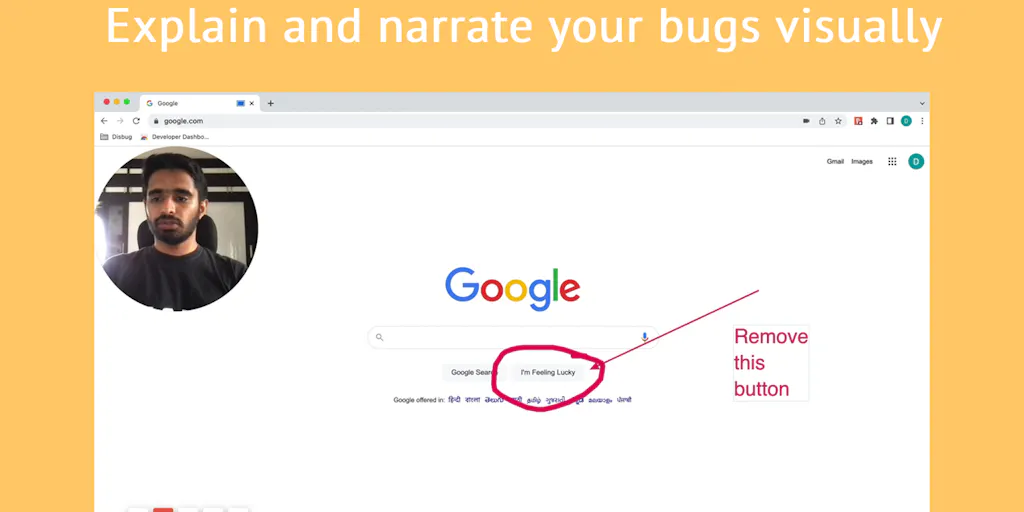
Capture bugs with complete context in one click
Record, edit, and share professional videos - all in one tool

Capture and beautify screenshots in one step, right in your browser

Free online screen recorder with no watermark or setup required

Record, edit, and share AI-powered videos to supercharge team communication

Drag screenshots and clips from the notch straight into Slack - no uploads, no links.

Create polished product demos in your browser, free.
Recently Added AI Tools
New tools added to the directory



Share PDFs securely - no account, no trace, automatic expiration.

Batch download & auto-organize TikTok, Instagram, YouTube videos in one command
From the Blog
Latest guides and tips on AI tools
Free Logo Maker Apps in 2026
Free Logo Maker Apps in 2026
AI Image GenerationBest AI Tools for Ecommerce in 2026
Best AI Tools for Ecommerce in 2026
Best AI ToolsBest AI Tools for Digital Marketers in 2026
Best AI Tools for Digital Marketers in 2026
Best AI ToolsBest AI Tools for Freelancers in 2026
Best AI Tools for Freelancers in 2026
Best AI ToolsWant to list your AI tool on NextStair?
Submit Tool